
RUOMEI / BUYER’S GUIDE
Light Box Service Access: Confirm It Before Approving the Build
A light box can look right from the front and still be difficult to service after installation. If your project may need internal access or graphic replacement, make that part of the design discussion before approving the structure.
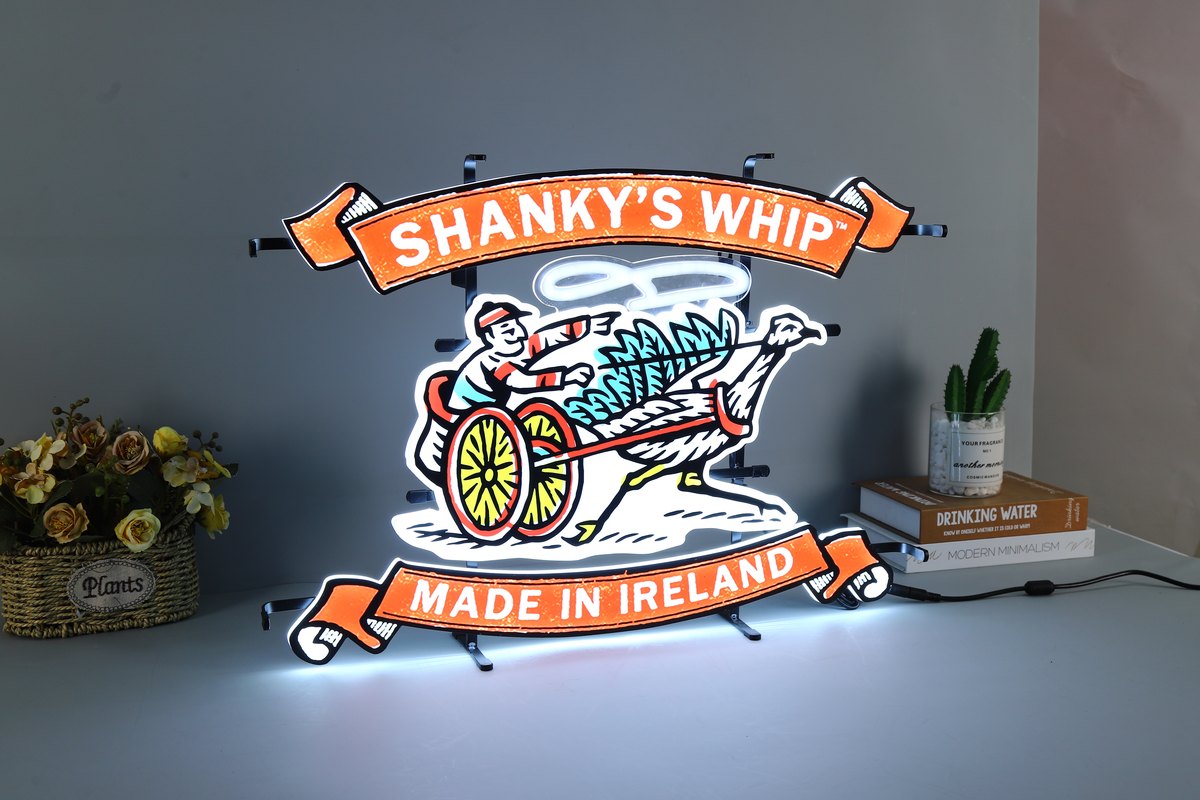
A real light box product example. This front view does not show service access; access details must be confirmed for the specific construction.
1. Treat access as a design requirement
A face that opens, a removable panel or another service route changes the construction. The right option depends on the sign’s structure, size and installation. A product photograph or a catalogue label cannot confirm how your particular unit will be opened.
Before approval, say what might need attention later: the graphic face, internal lighting, wiring or power supply location. Ask the supplier to identify the proposed access route on the drawing or explain it in writing.
2. Ask separately about changing the graphic
“Can it be serviced?” and “Can the printed graphic be changed?” are different questions. A structure may allow access to one component without allowing the customer to replace the face artwork. If a campaign graphic will change, explain who will change it and where that work will happen.
| Project need | What to clarify |
|---|---|
| Internal service | Which component needs access, and from which side? |
| Graphic replacement | Is the face designed to be replaced? By whom? |
| Installed sign | What clearance is available around the sign? |
Do not assume a face is replaceable just because it is printed or the sign is called a light box. Confirm the actual construction before making it part of your operating plan.
3. Include the installation position
A service opening that faces a wall may be unusable after installation. Send the intended mounting method, a site photo or simple sketch, and any limits on rear or side clearance. Mention ceilings, cabinets or neighbouring displays that restrict access.
If the sign is mounted high or handled by a local installer, say so. The installer may need room to remove a panel or support the sign while working. The exact method and responsibility must be agreed for the project; do not rely on a generic installation diagram for a different structure.
4. Locate the supply and wiring route
Mark where the power supply should sit and where the cable can leave the sign. If the supply needs to remain reachable after installation, state that. Confirm the destination market and any known project requirements so the electrical configuration can be reviewed.
Do not cover or seal an access point in the installation plan unless the supplier has confirmed how the sign will be serviced. The sign’s power, plug, switch and cable exit are project details to confirm, not assumptions to leave until the installer arrives.
5. Check the approved sample against the site plan
During sample review, check the front appearance and the access you asked for. Confirm that the opening direction, removable parts and cable route match the agreed drawing. If the sample will be installed in a confined space, compare its service clearance with the site information.
Keep a record of any limitation. A sample confirms only the configuration reviewed; it does not establish that a different size or mounting position will have the same access.
6. Send an access note with your quotation request
Send the artwork or reference image, approximate size and quantity for your custom light box project. Add the installation position, available clearance, power-supply location and whether future service or graphic replacement matters.
If you do not know which construction supports the requirement, say so. The factory can review the structure with you before the sample is approved. A clear access brief now helps prevent a finished sign from conflicting with the site plan later.
FROM YOUR BRIEF TO THE NEXT STEP
Send us what you have so far.
A logo or reference photo, size and quantity will get us started. Include any questions about the design or installation.
Tell us about your project
Use the message field to describe your artwork and requirements.