
RUOMEI / BUYER’S GUIDE
After Sample Approval: How to Request a Custom Sign Change
Send the order reference, the approved drawing or sample version, and the exact change you need as soon as you spot it. We first check whether the product differs from the approved requirements or whether the requirements have changed. Those situations need different handling, even when both are described as “please remake it.”
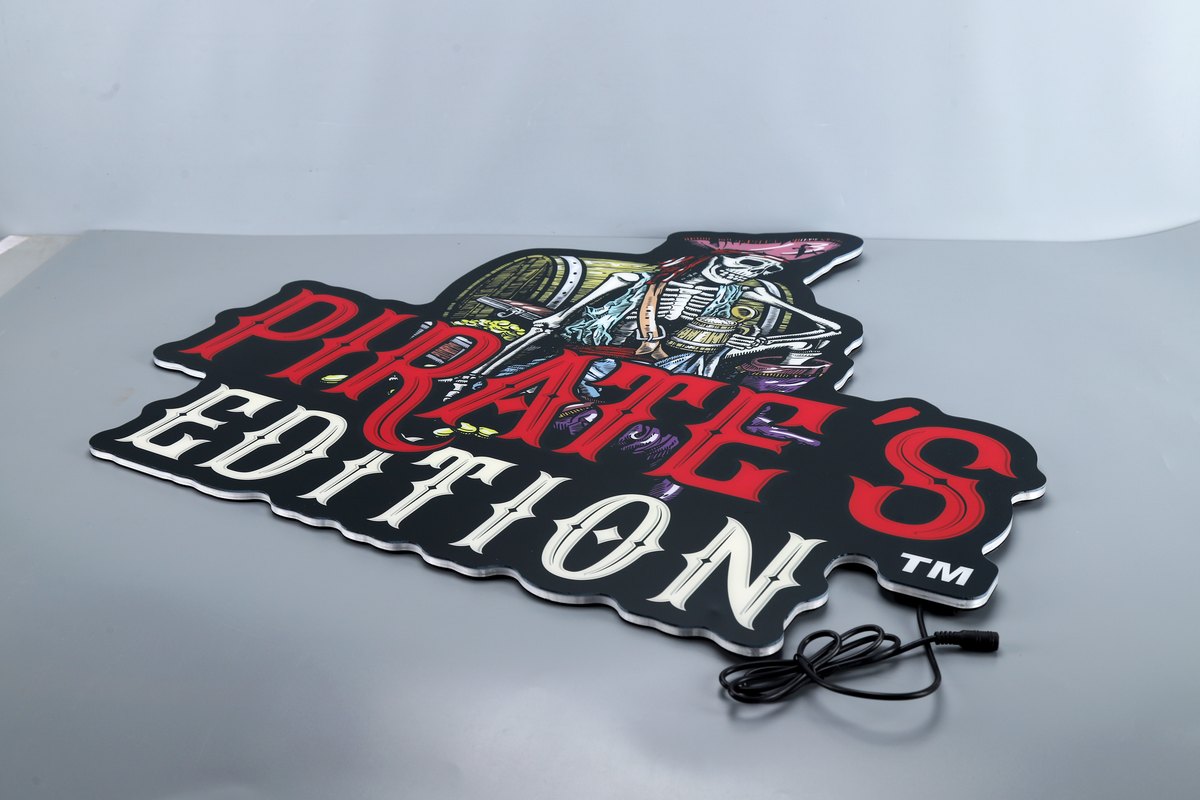
Real product reference only. It is not an example of a defect or a requested remake. Use the approved version and actual issue photos when discussing a change.
1. Start from the approved reference
Attach the drawing, configuration or sample approval that the order was based on. Mark the relevant area and state what was supplied or what you now want changed. Include the affected product reference and quantity, especially if the order contains several versions.
A new sketch alone may not show whether it corrects a manufacturing mismatch or introduces a new requirement. Keeping the approved reference beside the request makes that distinction much easier to review.
2. Separate correction from a revised specification
| Situation | RUOMEI approach |
|---|---|
| Factory production does not match the approved requirements | Correct or remake free of charge. Necessary correction-related resending is confirmed by the factory beforehand, with the agreed cost borne by the factory. |
| Buyer changes the graphic, size, material, colour target or function after approval | Review and quote the additional work, then obtain written agreement. |
| The requested result is not currently achievable | Explain the limitation and offer an alternative for review. |
We do not set a fixed number of reasonable artwork-revision rounds. That does not make every post-approval production change free. First identify which of the situations above applies.
3. Put the changes in one list
Use a marked drawing and a short list with “keep unchanged” and “change” headings. State the new requirement and the affected quantity for each item. Keep the original approved file intact so the revision can be checked against it.
If production may already be under way, contact the project representative promptly and ask what stage the affected work has reached. Do not assume that sending a revised file has stopped the original work or confirmed that the new version is feasible.
4. Review the added work before authorising it
For a buyer-requested change after approval, RUOMEI reviews the additional material, labour, mould and transport costs that apply. Ask the proposal to identify what changes, what remains unchanged, and any further sample or approval needed. Do not assume that changing one visible detail affects only that detail.
If the requested result cannot be achieved with the proposed construction, we explain the limitation and discuss another direction. Repeated revisions should lead to a feasible specification, rather than an open-ended promise to reproduce an unworkable effect.
5. Reconfirm the schedule and the release version
Customer changes or delayed approvals require a new schedule review. We do not simply add the number of delayed days to an earlier completion date. Ask for the revised expected production-completion date and keep transport timing separate.
Approve the revised drawing and configuration together with the agreed cost and schedule impact. Identify the version authorised for the affected quantity. Keep earlier approvals in the record, but do not leave two different versions both described as final.
6. Send a request the factory can act on
Include the order and product reference, approved version, affected quantity, marked changes, items to keep unchanged and the required arrival date. Say whether you are reporting a mismatch or asking for a new specification, and attach the supporting pictures or files.
Use the form below with the existing order reference. For a new custom light box project, start with the logo or reference image, size and quantity; we can then review the construction before sampling.
FROM YOUR BRIEF TO THE NEXT STEP
Send us what you have so far.
A logo or reference photo, size and quantity will get us started. Include any questions about the design or installation.
Tell us about your project
Use the message field to describe your artwork and requirements.