
RUOMEI / BUYER’S GUIDE
Custom LED Sign Test Reports: Which Product Does the Document Cover?
Ask which product and configuration a report covers before relying on it for a custom sign order. A document for a power supply, a tested sign model and a factory audit answer different questions. Match the evidence to your actual order and destination requirements before approving the configuration.

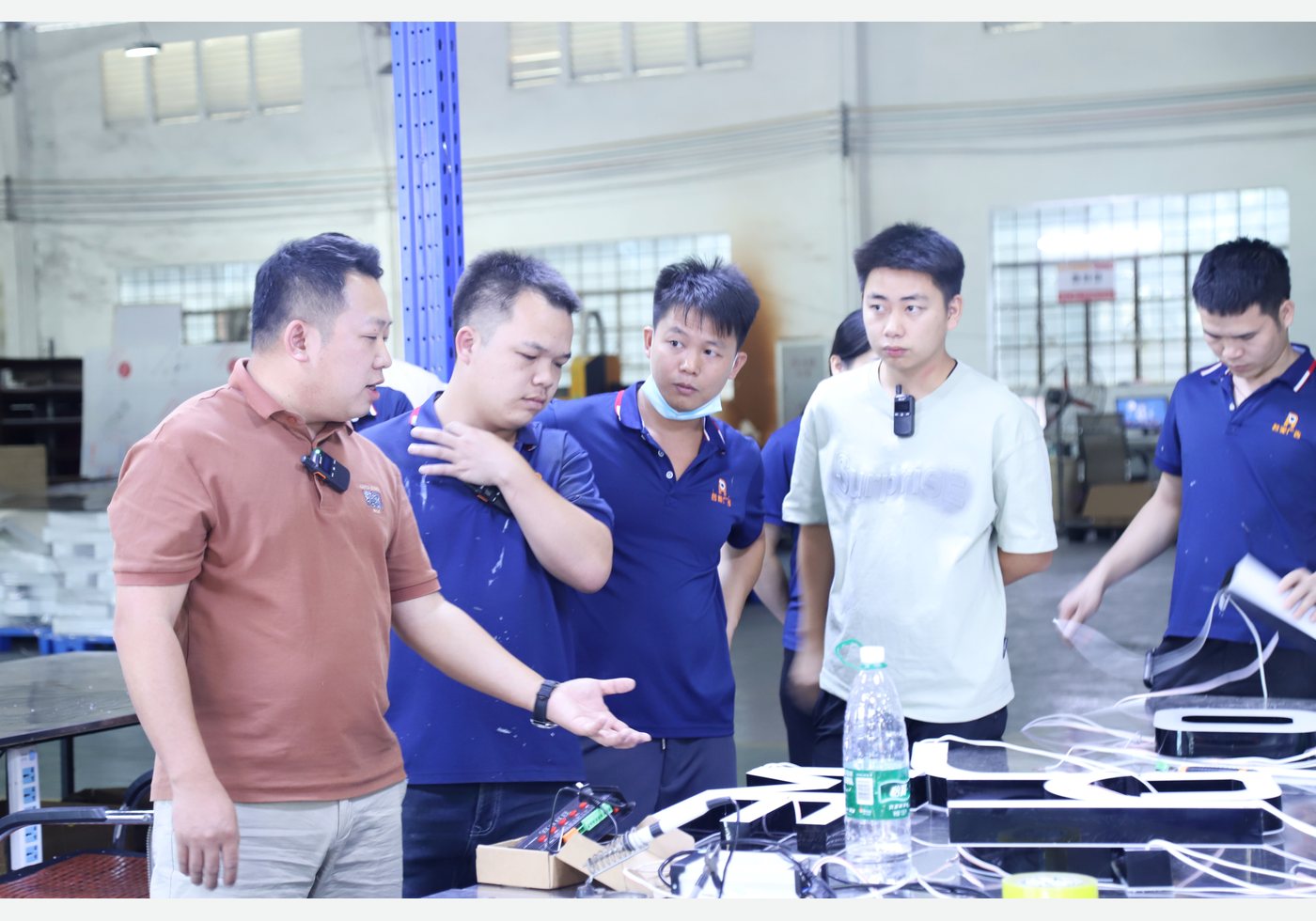
Real product photo used to show a custom sign configuration. The image is not evidence of certification, report coverage or a brand relationship. Request the applicable documents for the proposed order.
1. Identify the subject of the document
Start with the document title and the item it identifies. Does it concern the finished sign, its external power supply, another component, or an audit of a manufacturing site? These categories should remain clear in the supplier’s reply.
| Document subject | What to match | What it does not establish by itself |
|---|---|---|
| Finished sign or tested model | Model reference and the configuration described in the file. | Coverage of every custom variation. |
| Power supply or component | Exact component identity and documented scope. | Certification of the complete assembled sign. |
| Factory or supplier audit | Named site, audit scope and date. | A product test result for the ordered sign. |
A folder called “certificates” is not enough. Ask for a short index that says what each file is and which part of the proposal it relates to.
2. Keep component evidence separate from finished-product evidence
UL Solutions explains that Component Recognition applies to a part intended for use within a larger product, with conditions on its use. It is not certification of a complete standalone product. This is a useful example of why the scope matters.
For your order, identify the proposed supply and sign configuration separately. If a document relates only to the supply, keep that description in the approval record. Do not extend it to the whole sign. This article does not claim that RUOMEI signs carry a UL certification.
3. Match the file to the proposed configuration
Request the report name, issuing organisation, report number, date, sample model and configuration. Compare that information with the proposed product reference and order specification. If a model name or electrical configuration differs, ask the supplier to identify the difference and review its effect on applicability.
RUOMEI’s existing CE and RoHS documents apply only to the products, models and samples listed in those files. They are not a blanket claim for every neon sign or material. An older tested sample can be useful reference evidence, but it does not guarantee that a new custom configuration is covered or will pass new testing.
4. Send the destination and the actual document request
“Please send your certificates” leaves too much open. Provide the destination country, proposed sign configuration and the written requirements from your customer, project reviewer or relevant authority. If a particular document or evaluation is requested, send the wording rather than paraphrasing it as a generic certificate requirement.
Ask the responsible reviewer to confirm whether the proposed evidence is acceptable for the project. Do not assume one country’s document request applies everywhere. A factory’s reply should identify available evidence and gaps; it should not replace the project’s required approval.
5. Resolve gaps before promising an installation date
RUOMEI first reviews the available document list against the requested configuration. Where existing evidence does not match, further evaluation may be needed. New third-party testing requires separate agreement on the organisation, cost and time; a successful result cannot be promised in advance.
Keep the document review in the order schedule. If the approved product configuration changes, return to the evidence check rather than carrying forward an earlier conclusion without review. Tell your customer which files are available and which points remain unresolved.
6. Use a specific document request
Send the following with your enquiry:
- Destination country and intended installation environment.
- Artwork, finished size, quantity and proposed electrical configuration, where known.
- The customer’s written document requirements.
- A request for the document index and the model/configuration each file covers.
- Any deadline for review, separate from the required delivery date.
Use the form below or review our custom LED neon sign options. If the configuration is still open, say so. We can start the product discussion and identify what must be settled before the document review can be completed.
FROM YOUR BRIEF TO THE NEXT STEP
Send us what you have so far.
A logo or reference photo, size and quantity will get us started. Include any questions about the design or installation.
Tell us about your project
Use the message field to describe your artwork and requirements.